The 'actuate' attribute is used to communicate the desired timing of traversal from the starting resource to the ending resource; it's value should be treated as follows:onLoad - traverse to the ending resource immediately on loading the starting resource onRequest - traverse from the starting resource to the ending resource only on a post-loading event triggered for this purpose other - behavior is unconstrained; examine other markup in link for hints none - behavior is unconstrained
The 'show' attribute is used to communicate the desired presentation of the ending resource on traversal from the starting resource; it's value should be treated as follows: new - load ending resource in a new window, frame, pane, or other presentation contextreplace - load the resource in the same window, frame, pane, or other presentation contextembed - load ending resource in place of the presentation of the starting resourceother - behavior is unconstrained; examine other markup in the link for hints none - behavior is unconstrained
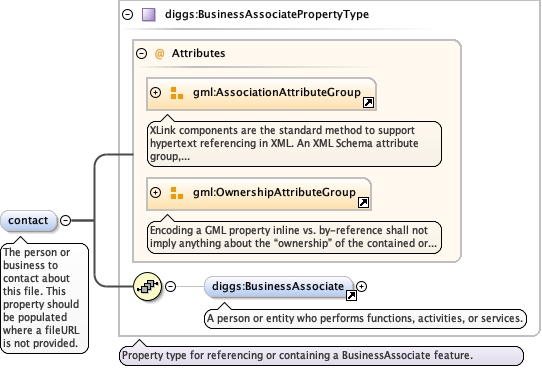
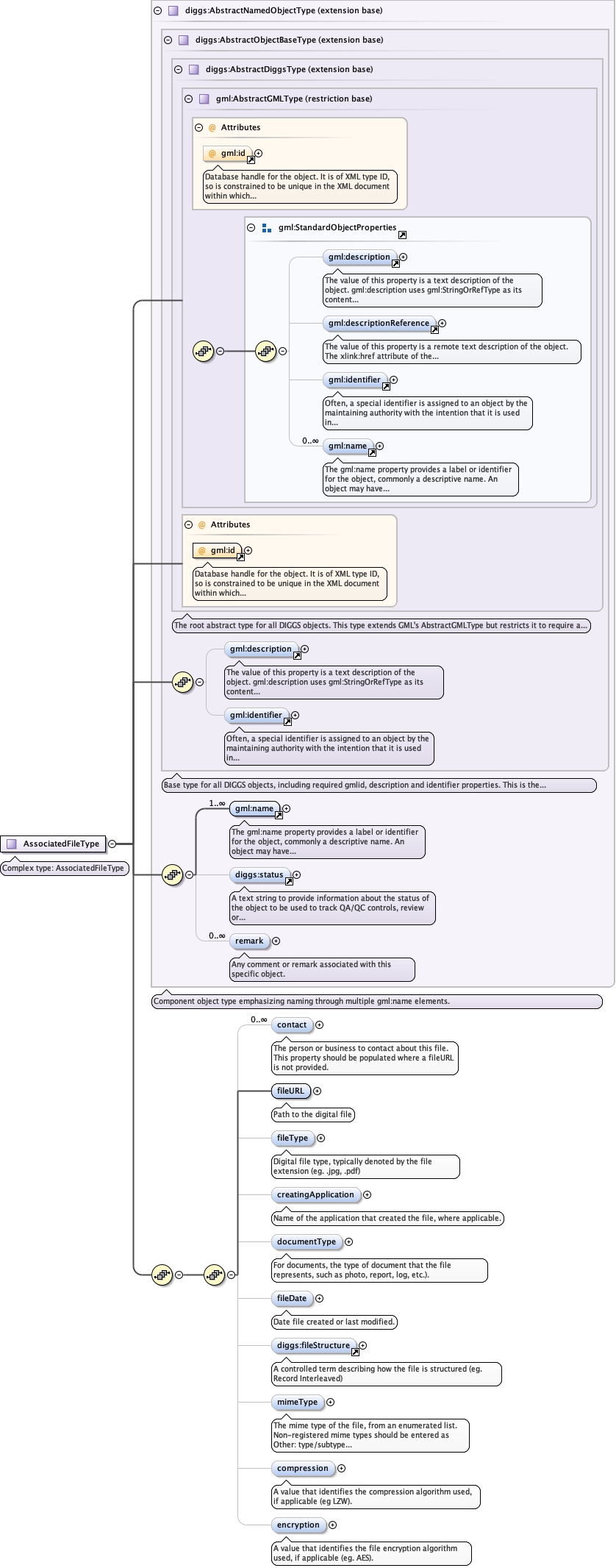
<element minOccurs="0" name="contact" type="diggs:BusinessAssociatePropertyType" maxOccurs="unbounded"><annotation><documentation>The person or business to contact about this file. This property should be populated where a fileURL is not provided.</documentation></annotation></element>
The 'actuate' attribute is used to communicate the desired timing of traversal from the starting resource to the ending resource; it's value should be treated as follows:onLoad - traverse to the ending resource immediately on loading the starting resource onRequest - traverse from the starting resource to the ending resource only on a post-loading event triggered for this purpose other - behavior is unconstrained; examine other markup in link for hints none - behavior is unconstrained
The 'show' attribute is used to communicate the desired presentation of the ending resource on traversal from the starting resource; it's value should be treated as follows: new - load ending resource in a new window, frame, pane, or other presentation contextreplace - load the resource in the same window, frame, pane, or other presentation contextembed - load ending resource in place of the presentation of the starting resourceother - behavior is unconstrained; examine other markup in the link for hints none - behavior is unconstrained
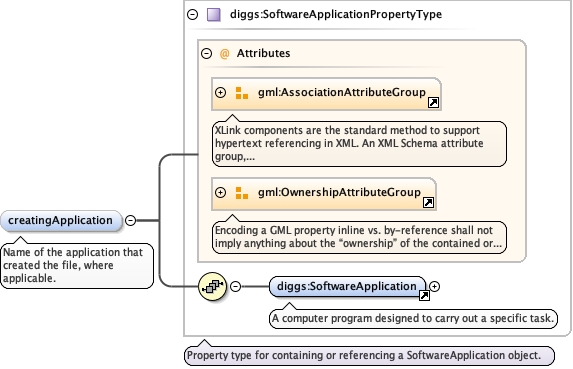
<element maxOccurs="1" minOccurs="0" name="creatingApplication" type="diggs:SoftwareApplicationPropertyType"><annotation><documentation>Name of the application that created the file, where applicable.</documentation></annotation></element>
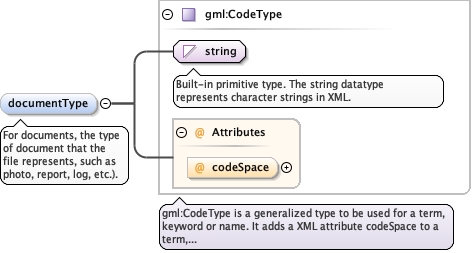
<element maxOccurs="1" minOccurs="0" name="documentType" type="gml:CodeType"><annotation><documentation>For documents, the type of document that the file represents, such as photo, report, log, etc.).</documentation></annotation></element>
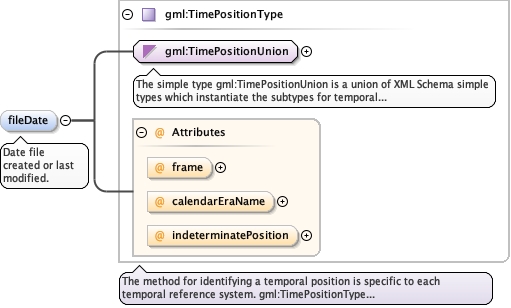
<element maxOccurs="1" minOccurs="0" name="fileDate" type="gml:TimePositionType"><annotation><documentation>Date file created or last modified.</documentation></annotation></element>
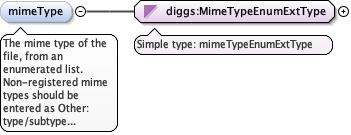
The mime type of the file, from an enumerated list.Non-registered mime types should be entered as Other:type/subtype where the subtype should begin with "x-", eg.application/x-segy.
<element minOccurs="0" name="mimeType" type="diggs:MimeTypeEnumExtType"><annotation><documentation>The mime type of the file, from an enumerated list. Non-registered mime types should be entered as Other: type/subtype where the subtype should begin with "x-", eg. application/x-segy.</documentation></annotation></element>
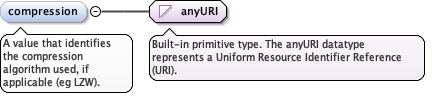
A value that identifies the compression algorithmused, if applicable (eg LZW).
Diagram
Type
anyURI
Properties
content
simple
minOccurs
0
Source
<element minOccurs="0" name="compression" type="anyURI"><annotation><documentation>A value that identifies the compression algorithm used, if applicable (eg LZW).</documentation></annotation></element>
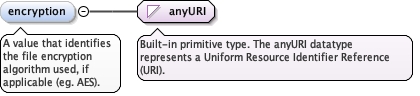
A value that identifies the file encryption algorithmused, if applicable (eg. AES).
Diagram
Type
anyURI
Properties
content
simple
minOccurs
0
Source
<element minOccurs="0" name="encryption" type="anyURI"><annotation><documentation>A value that identifies the file encryption algorithm used, if applicable (eg. AES).</documentation></annotation></element>
Database handle for the object. It is of XML type ID, so is constrained to beunique in the XML document within which it occurs. An external identifier for the object inthe form of a URI may be constructed using standard XML and XPointer methods. This is doneby concatenating the URI for the document, a fragment separator, and the value of the idattribute.
Source
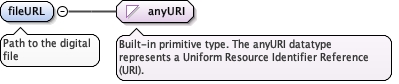
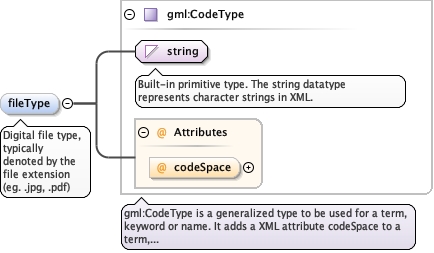
<complexType name="AssociatedFileType"><annotation><documentation>Complex type: AssociatedFileType</documentation></annotation><complexContent><extension base="diggs:AbstractNamedObjectType"><sequence><sequence><element minOccurs="0" name="contact" type="diggs:BusinessAssociatePropertyType" maxOccurs="unbounded"><annotation><documentation>The person or business to contact about this file. This property should be populated where a fileURL is not provided.</documentation></annotation></element><element minOccurs="1" name="fileURL" type="anyURI"><annotation><documentation>Path to the digital file</documentation></annotation></element><element maxOccurs="1" minOccurs="0" name="fileType" type="gml:CodeType"><annotation><documentation>Digital file type, typically denoted by the file extension (eg. .jpg, .pdf)</documentation></annotation></element><element maxOccurs="1" minOccurs="0" name="creatingApplication" type="diggs:SoftwareApplicationPropertyType"><annotation><documentation>Name of the application that created the file, where applicable.</documentation></annotation></element><element maxOccurs="1" minOccurs="0" name="documentType" type="gml:CodeType"><annotation><documentation>For documents, the type of document that the file represents, such as photo, report, log, etc.).</documentation></annotation></element><element maxOccurs="1" minOccurs="0" name="fileDate" type="gml:TimePositionType"><annotation><documentation>Date file created or last modified.</documentation></annotation></element><element minOccurs="0" ref="diggs:fileStructure"/><element minOccurs="0" name="mimeType" type="diggs:MimeTypeEnumExtType"><annotation><documentation>The mime type of the file, from an enumerated list. Non-registered mime types should be entered as Other: type/subtype where the subtype should begin with "x-", eg. application/x-segy.</documentation></annotation></element><element minOccurs="0" name="compression" type="anyURI"><annotation><documentation>A value that identifies the compression algorithm used, if applicable (eg LZW).</documentation></annotation></element><element minOccurs="0" name="encryption" type="anyURI"><annotation><documentation>A value that identifies the file encryption algorithm used, if applicable (eg. AES).</documentation></annotation></element></sequence></sequence></extension></complexContent></complexType>